
How to use
Copy a prompt. Paste it. Get your website.
Every Webbzer prompt works in the AI tool you already use: Claude, ChatGPT, Lovable, Cursor and more. The photographs and film are already made and hosted for you, so you do not need an image or video subscription, and there is nothing to download.
Six steps, start to finish
Step 1
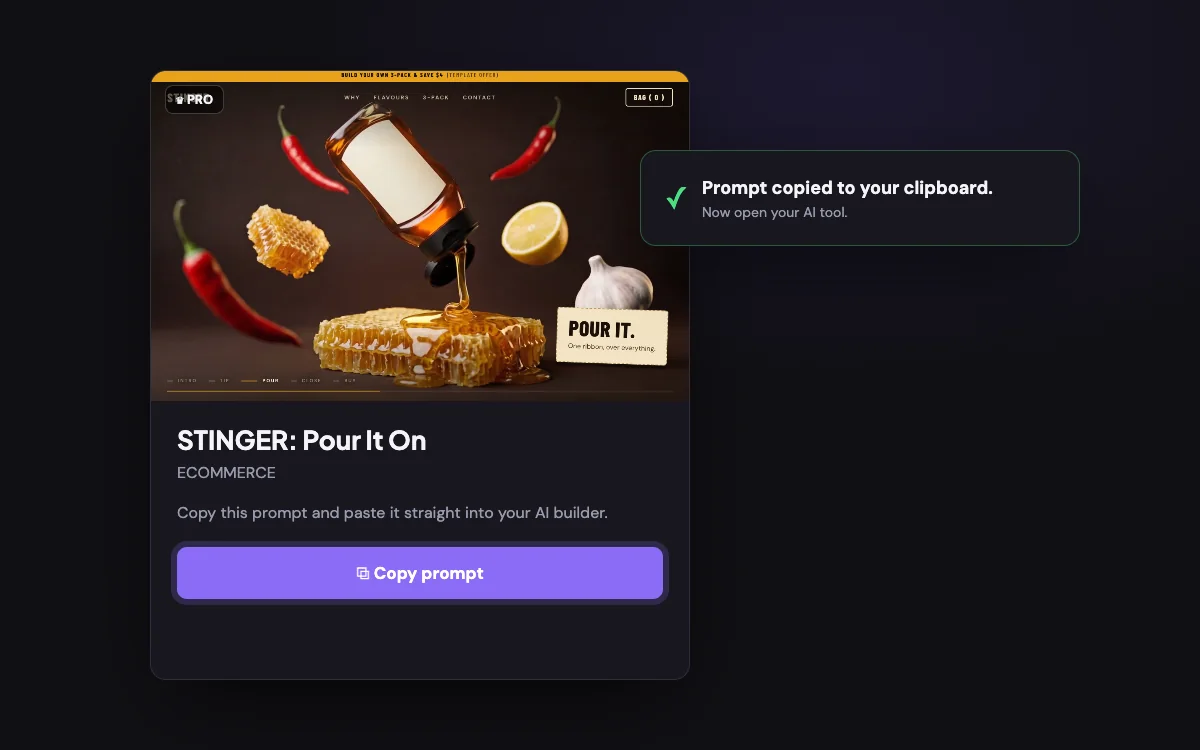
Copy the prompt
Open any template and press Copy prompt. Free templates have a small daily copy allowance. Pro templates are included with Webbzer Unlimited. The prompt is the whole recipe: the design, the code for all five files, and a block of settings you can edit.
Step 2
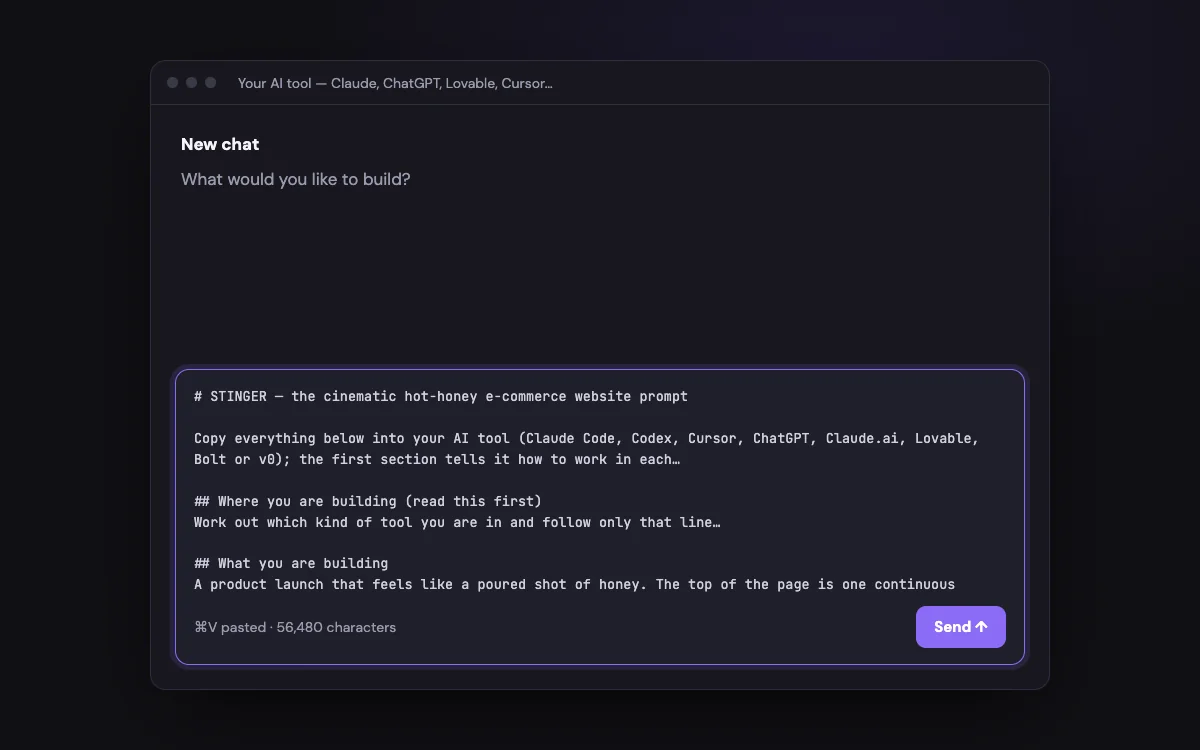
Paste it into your AI tool
Open the AI tool you already use, start a new chat or project, paste the whole prompt and send it. Do not trim it. The first section of every prompt tells your tool how to work, whether it can create files, only chat, or builds web apps.
Step 3
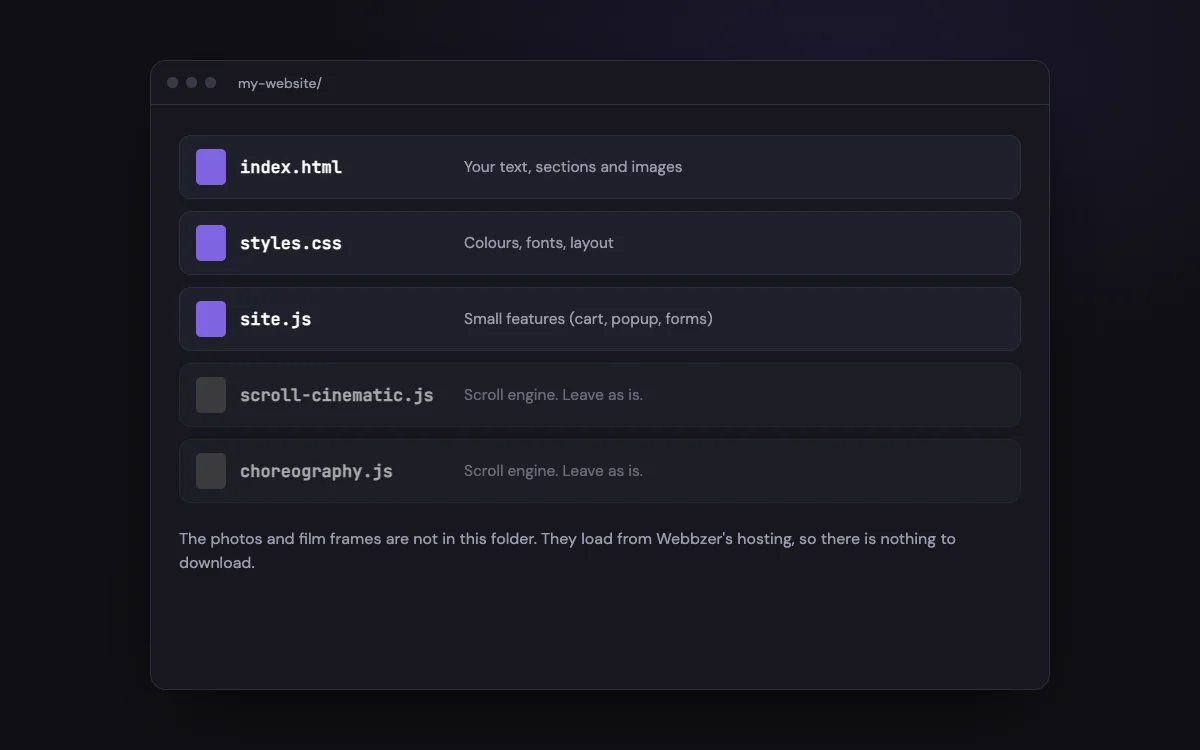
Get five files
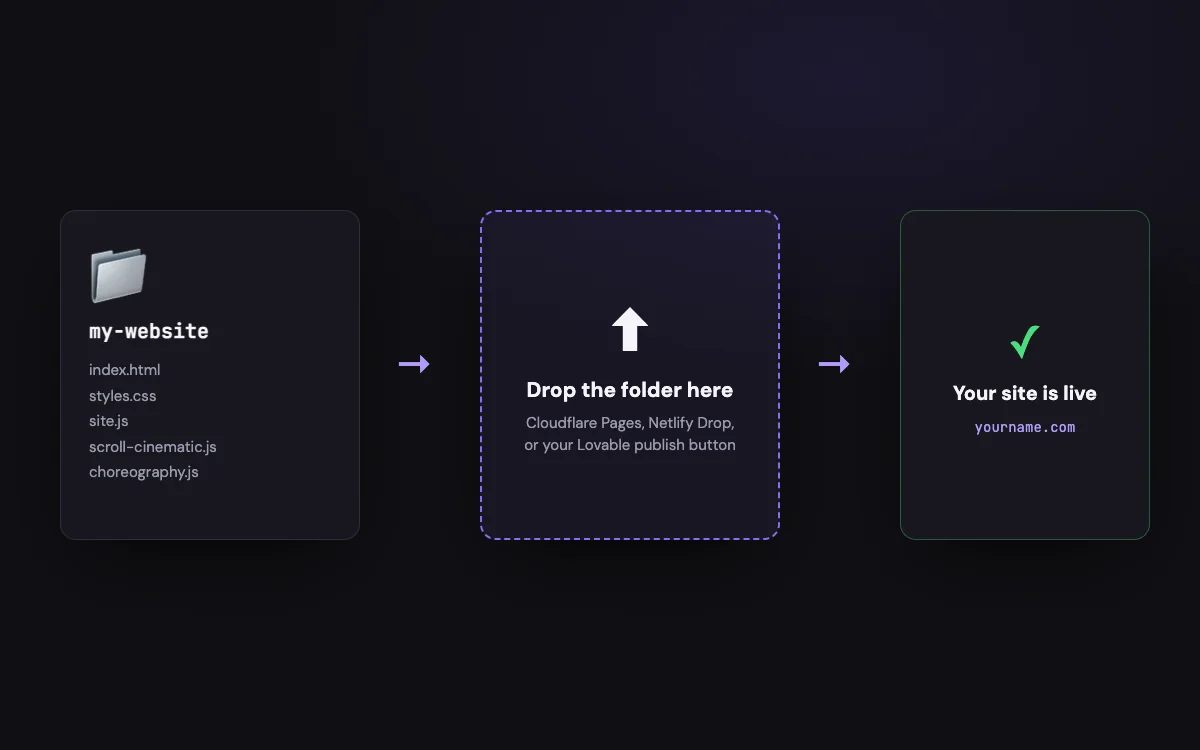
Your tool creates five files: index.html, styles.css, site.js, scroll-cinematic.js and choreography.js. The photographs and film frames are not part of them. They load straight from Webbzer’s hosting, so there is nothing to generate and nothing to download.
Step 4
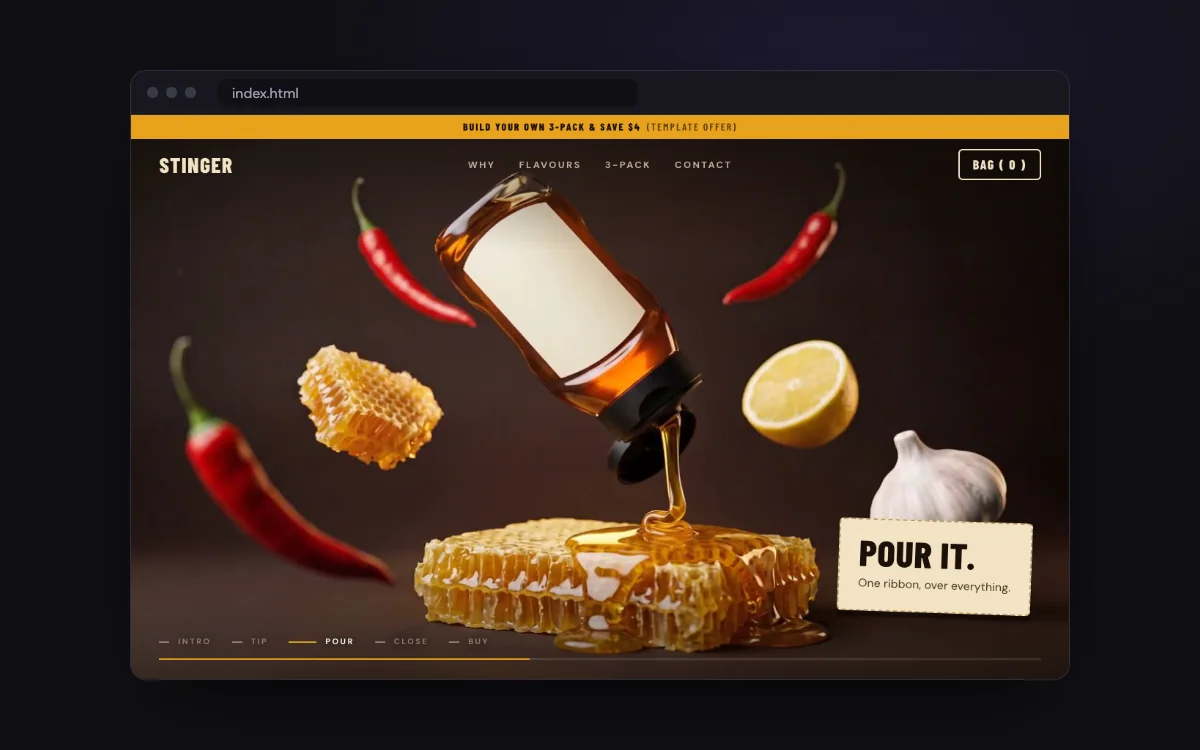
Open it
Open index.html in your browser, or use your tool’s own preview. The first time, give the film a little while to load, then scroll. That is the whole template, running.
Step 5
Make it yours
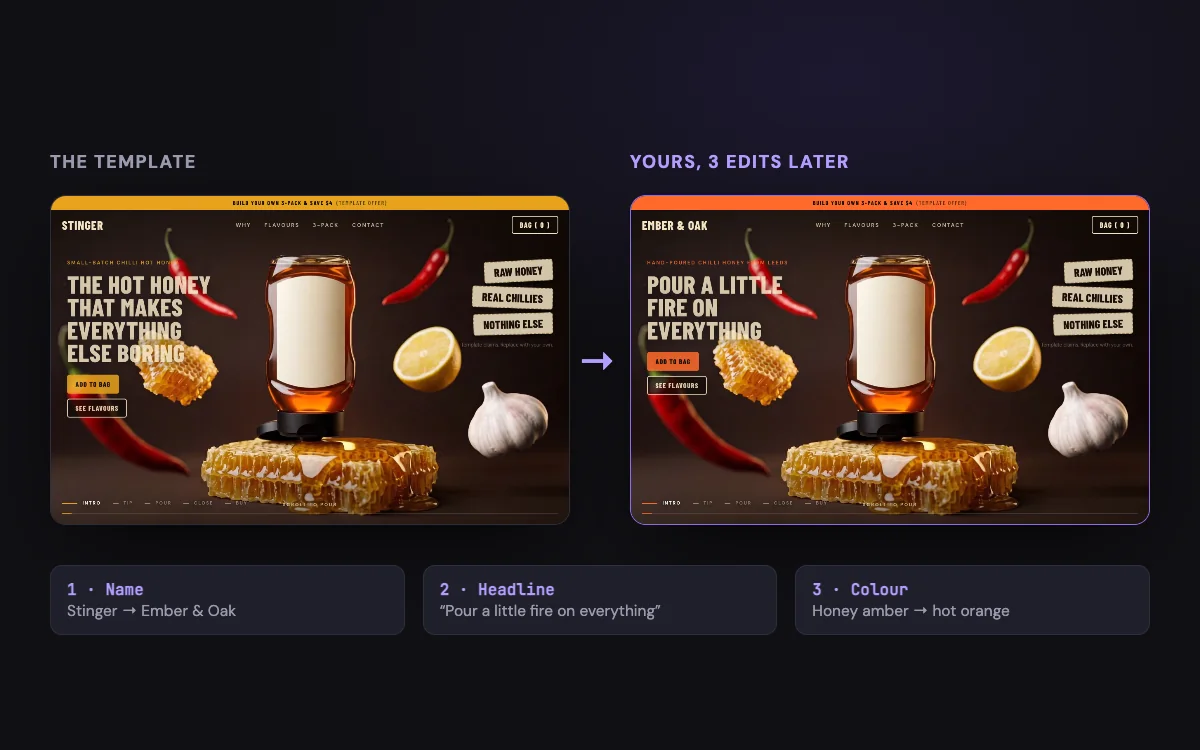
Change the name, the words and the colours so it says what you want it to say. This is where a template becomes your website. The next section shows three ways to do it.
Step 6
Put it online
Upload the folder to a static host and connect your own domain. Hosts such as Cloudflare Pages and Netlify accept a plain folder of files. In an app builder, use its publish button.
Pick your AI tool
The same prompt works in all of them. What changes is how the files get saved and previewed.
Coding tools that create files
The smoothest route. These tools write the files into a folder, run them and check the result for you.
- Create an empty folder for the website and open it in your tool.
- Paste the prompt and send it.
- Let it finish. It will create the five files, start a local preview and check the page at desktop and phone sizes.
- Open the preview address it gives you, or open index.html in your browser.
If something goes wrong: If it offers to add a framework or rebuild the site another way, say no. The prompt is written for plain HTML, CSS and JavaScript.
Make it yours
Turn the template into your website
Out of the box, a template is a finished design with placeholder words. Everything in it, the name, claims, prices and offers, is an example. Replace it with the real thing before you publish. There are three ways, from easiest to most hands-on.
Way 1
Before you paste
Near the top of every prompt is a block called Customization. It lists the brand name, colours, fonts and the copy. Edit those lines in the prompt itself before you send it, and your tool builds your version from the start.
Way 2 · easiest
Ask in plain English
After the site is built, keep talking to the same tool. Tell it what to change, one thing at a time. The ready-made requests below are a good start.
Way 3
Edit the files yourself
Open the files in any text editor. Words and images are in index.html. Colours and fonts are at the top of styles.css. Save and refresh your browser to see the change.
Ready-made requests
Copy one, replace the capital letters in brackets with your details, and paste it into the same chat.
Rename the brand
Rename the brand from the template’s name to [YOUR BRAND] everywhere: header, loader, footer wordmark, popup, page title and meta description. Change nothing else.
Change the accent colour
Change the accent colour to [#HEX] by editing the colour variable at the top of styles.css. Check that text on top of it is still easy to read.
Rewrite the words
Rewrite the hero headline, the three claim chips, the film captions and the final line for [MY BUSINESS, WHAT I SELL, WHO IT’S FOR]. Keep each short. Do not invent reviews, awards, prices or claims I have not given you.
Use my products or services
Replace the placeholder items and prices with these: [LIST]. Keep the layout and the same number of cards.
Make the form real
Connect the contact form to [MY FORM SERVICE OR EMAIL] so submissions reach me, and keep the success message. Tell me what I need to set up on that service.
What each file does
- index.html
- Your words, sections, buttons and images. Edit this one most.
- styles.css
- Colours, fonts and spacing. The colour and font choices sit in a short list at the very top.
- site.js
- Small features such as the bag, forms and popup. These are demos until you connect your own tools.
- scroll-cinematic.js and choreography.js
- The scroll engine that plays the film. Leave these exactly as they are.
Be honest on your live site
- Replace every placeholder claim, price, offer and name with your real ones.
- Only add reviews, awards, ratings or certifications you actually have.
- The cart, popup and forms in the templates do not send or sell anything. Connect your own shop and form tools before you take real orders.
- Commercial use depends on your plan. See Pricing for what is included.
Advanced
Use your own photos and film
The shelf and gallery photos are ordinary images. Ask your tool to swap them for yours and it only has to change the image addresses. The scrolling film is different. It is a sequence of frames, one picture per step, and changing it changes the story, so the text moments will need rewriting to match. If you have your own video, ask your tool to turn it into frames, then point the template at them:
Swap in your own film
Replace the film with my own video. Convert my video to JPEG frames with ffmpeg (about 25 frames per second, 1280 pixels wide), save them as frames/[NAME]/frame_0001.jpg, frame_0002.jpg and so on in this project, then update the frame paths and frameCount values in the SCRUB_SECTIONS settings in index.html to match. Do not edit scroll-cinematic.js or choreography.js.
If something looks wrong
Questions
Ready to build yours?
Pick a template, copy the prompt and build your own website.